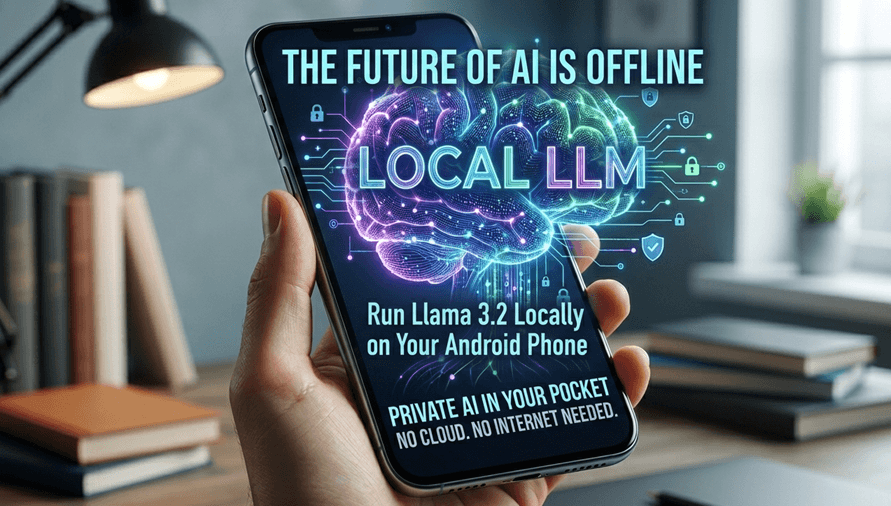
Imagine having a highly capable AI assistant that doesn’t rely on a data center, doesn't care if you're in an airplane or a basement with zero bars, and most importantly keeps 100% of your data completely private.
I recently crossed a major milestone in my tech journey: I successfully deployed and ran Meta’s Llama 3.2 (3B) model natively on my Android phone.
No API keys. No cloud subscriptions. No internet required. Just pure, private intelligence running right on the metal in my pocket.
Why "Edge AI" is a Game Changer
For years, we’ve been conditioned to think that Large Language Models (LLMs) like ChatGPT or Claude must live in the cloud because they require massive server farms. While that’s still true for giant 400B+ parameter models, the open-source community and hardware manufacturers have quietly revolutionized Edge AI (running AI models locally on consumer devices).
By shifting from cloud-dependent AI to a local LLM, you unlock three massive advantages:
- Absolute Privacy: Your prompts, business ideas, personal journals, or code snippets never leave your device. There is no corporate data logging, no model retraining on your inputs, and zero risk of a cloud data breach.
- True Offline Independence: Whether you are traveling internationally, off the grid, or experiencing a network outage, your AI assistant works instantly.
- Zero Latency & Cost: You aren't queuing for server availability during peak hours, and you aren't paying a monthly subscription or API fee to a cloud provider.
How Is This Even Possible?
Running a model like Llama 3.2 (3B) on a smartphone requires two things to go right: clever software and modern mobile hardware.
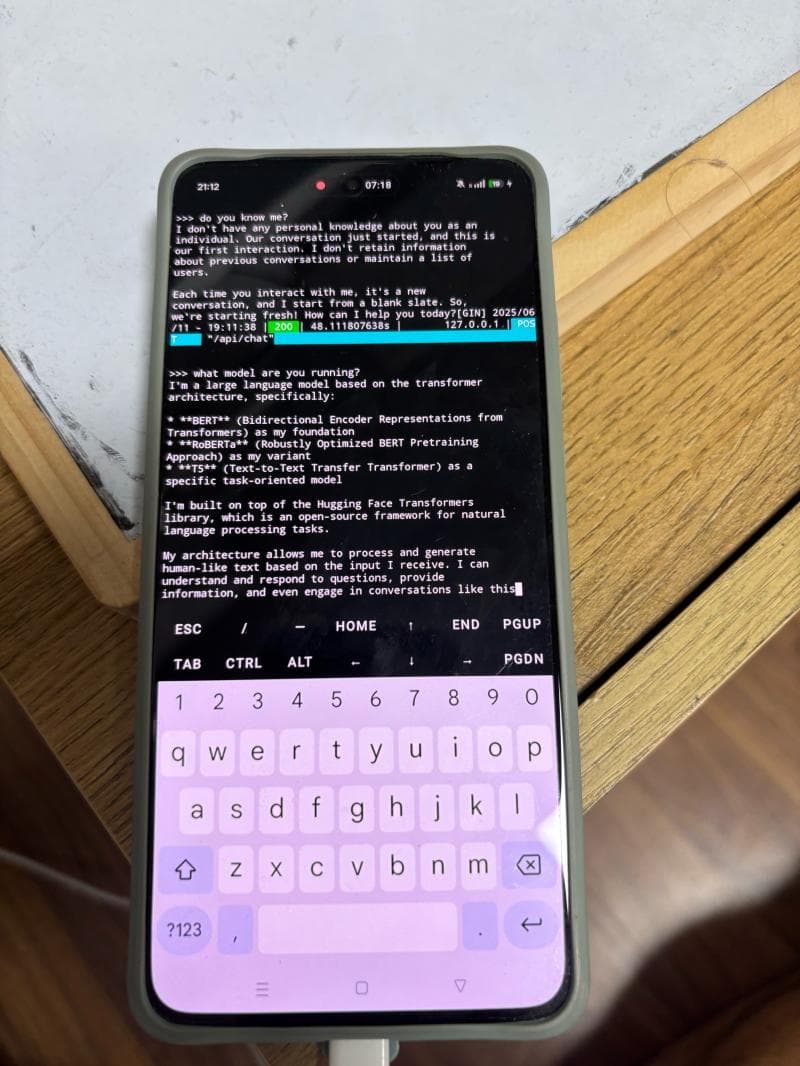
- Quantization (The Magic Trick): Raw AI models are massive. To make them fit on a phone, developers use a process called quantization. This essentially compresses the model's weights (often from 16-bit to 4-bit integers) with an incredibly low loss in actual intelligence. A 3-billion parameter model compressed this way only takes up about 1.5 to 2.0 GB of RAM.
- Mobile Chips: Modern Android processors (like the Snapdragon 8 series or MediaTek Dimensity chips) come equipped with powerful Neural Processing Units (NPUs) and robust GPUs that are literally built to handle matrix multiplication at lightning speeds.
The Blueprint: How to Do It Yourself
If you want to turn your Android device into a private AI powerhouse, the barrier to entry is lower than you think. The open-source ecosystem has made the setup incredibly user-friendly.
Here is the general workflow to get started:
- Choose Your App: Tools like Ollama (via Termux), MLC LLM, or user-friendly local chatbot apps like Layla or Maid allow you to load models directly onto Android.
- Download the Model: Look for the
GGUFformat of Llama 3.2 3B (specifically the 4-bit quantized version, usually labeledQ4_K_M), which offers the best balance of speed and intelligence for mobile. - Run and Chat: Once loaded, the app utilizes your phone's hardware to generate tokens locally.
Hardware Note: For a 3B model, you'll generally want an Android phone with at least 8GB of RAM (as the system and the model share this pool).
The Verdict: Is the Cloud Dead?
Not yet. Cloud models will always hold the crown for massive, complex reasoning tasks, heavy coding sessions, and vast web-searching capabilities.
But for daily tasks drafting emails, brainstorming ideas, organizing text, summarizing notes, or acting as an interactive coding rubber-duck a local 3B model is shockingly capable.
The future of AI isn't just about building bigger data centers. It’s about making AI personal, accessible, and entirely under your control. The future is already in our pockets.
Have you tried running a local LLM yet? If you want a step-by-step guide on how to set up Llama 3.2 on your own Android device, drop a comment below and let’s get it running!
Written by Karthik Kannaiyan